

Leave & time
Time off and time on, with policies that match the location
Employees request leave or punch in. Managers approve in one queue. HR keeps accruals, holidays, and regional packs without a spreadsheet per country.
Self-service leave · Live punch · WebAuthn confirm · Regional labor packs
Optional biometric punch uses device-bound WebAuthn credentials. Peovix never stores fingerprint or Face ID templates.
7-day free trial · No credit card required
Outcomes
Fewer emails. Clearer presence.
Self-service first
Balances and requests live in the employee portal instead of inbox threads.
Accurate punch
Live clock-in/out with optional device-bound biometric confirm.
Region-aware rules
Holidays, overtime, and labor packs follow the work location.
Manager visibility
Who is in, who is off, and what is waiting for approval.
Capabilities
Leave and time in the same product
Policies, punch, roster, and approvals share the employee record, not a side clocking app.
Leave that employees can actually use
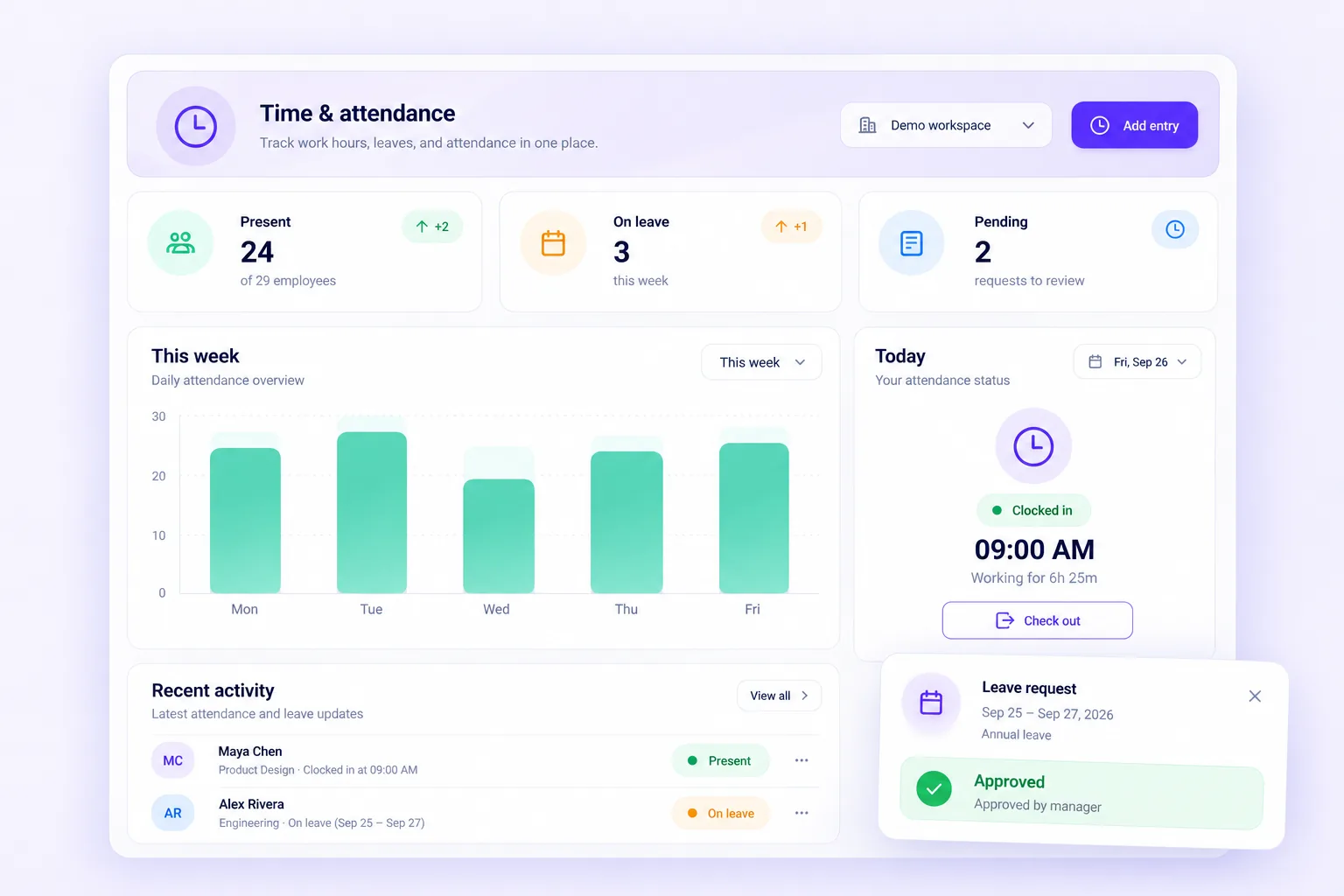
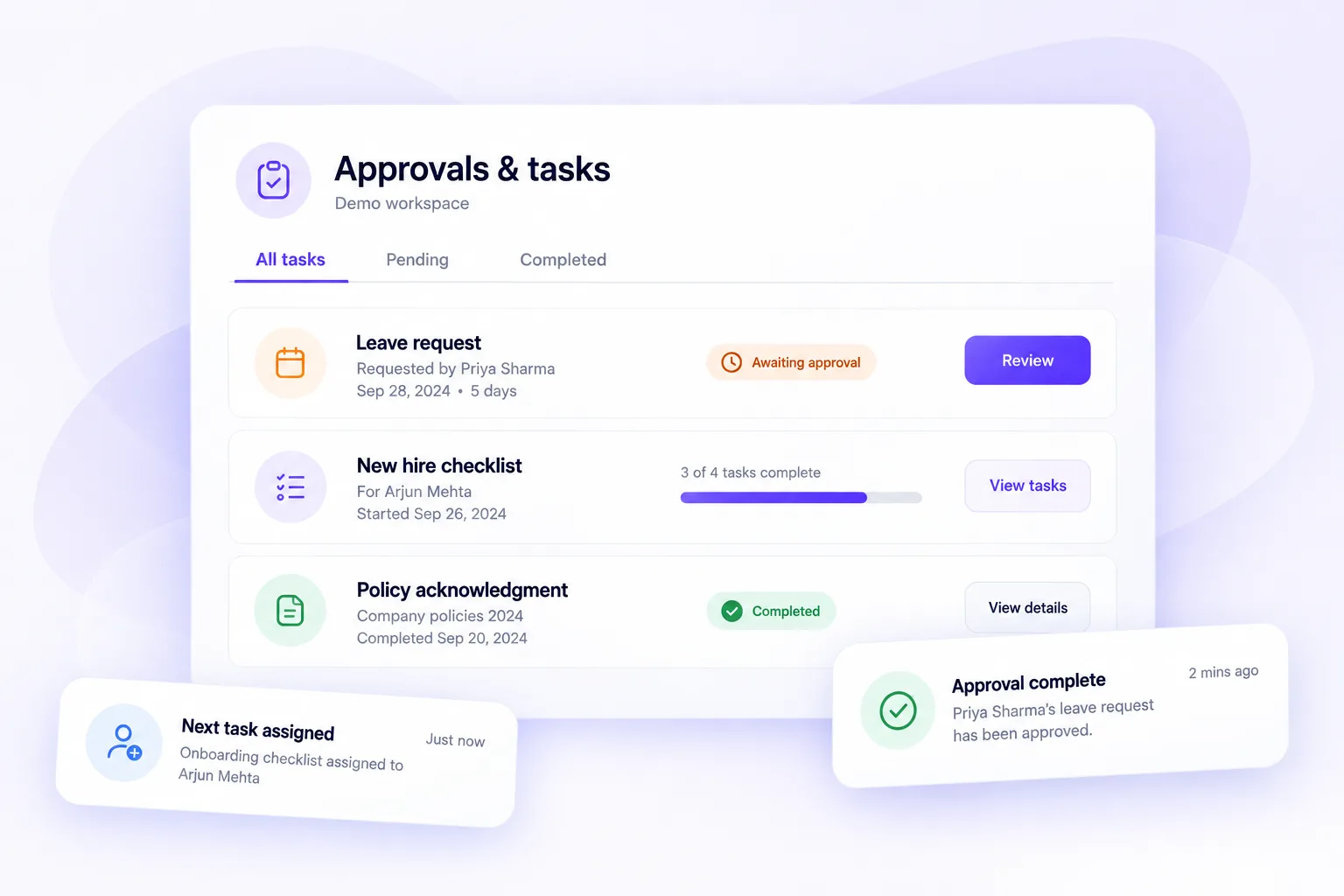
Configurable leave types, accruals, and balances. Employees request in self-service; managers approve in real time with team presence in view.
- Leave types and accruals
- Balance visibility
- Manager approvals
- Holiday calendars
Team leave · this week
3 pendingPriya · Annual leave · awaiting manager
Live punch, optional biometric confirm
Clock in and out from the product. Optional WebAuthn (Face ID, fingerprint, or Windows Hello) confirms the event with a device-bound credential. Templates are not stored on Peovix.
- Live clock-in/out
- WebAuthn confirm
- Roster and presence
- No biometric templates stored
Live punch
WebAuthnDevice-bound confirm · templates not stored
Import when you still have another clock
CSV and Google Sheets attendance import with code mapping so existing time sources can land in Peovix without a rip-and-replace on day one.
- CSV attendance import
- Sheets import with mapping
- Regional labor packs
- Location-aware overtime
Team leave · this week
3 pendingPriya · Annual leave · awaiting manager
How it works
From policy to approved time
Configure once per location, then let employees and managers run the loop.
Configure policies
Leave types, accruals, holidays, and regional labor packs by location.
Request or punch
Self-service leave or live clock-in/out with optional WebAuthn confirm.
Manager approve
Real-time approvals with team presence visibility.
Import and reconcile
CSV or Sheets attendance import with code mapping when needed.
In the product
Preview of the workspace experience for this module.
Honesty
What biometric punch is, and is not
We use WebAuthn so the device holds the credential. That is different from storing biometric data in HR.
Device-bound
Face ID, fingerprint, or Windows Hello confirms the punch on the employee device.
Not stored
Peovix never stores biometric templates or fingerprint images.
Optional
Orgs can run live punch without biometric confirm if that is the right bar.
Location packs
Labor rules and holidays follow the work site, not a single global calendar.
FAQ
Straight answers
Related
Run leave and time in one queue
Start a 7-day trial or book a demo. Bring your leave types and locations.
Prefer a quick walkthrough first? Browse all features